

How to Check Sierra Leone 2024 WASSCE Result Online

 Bernice Bangura
 How to Check 2024 WASSCE Results Online
Meanwhile, below is an easy step to step guide on how candidates can check for their 2024WASSCE results:
- ▪️Firstly, Login to WAEC Result Checker Website – https://www.waecsierra-leone.org/ResultChecker/
- ▪️Secondly, enter your 10-digit WAEC Examination Number. (This is your 7-Digit centre number followed by your 3-digit candidate number, e.g. 4123456789).
- ▪️Thirdly, enter the 4 digits of your Examination Year, e.g. 2024
- ▪️Fourthly, select the Type of Examination, e.g., May/June.
- ▪️Fifthly, enter the Scratch Card (E-pin) Number.
- ▪️Lastly, click Submit and wait for the results window to open.
NOTE: Always input an email address so that the result will be forwarded to that email for printing.
How to Check 2024 WASSCE Results Via SMS
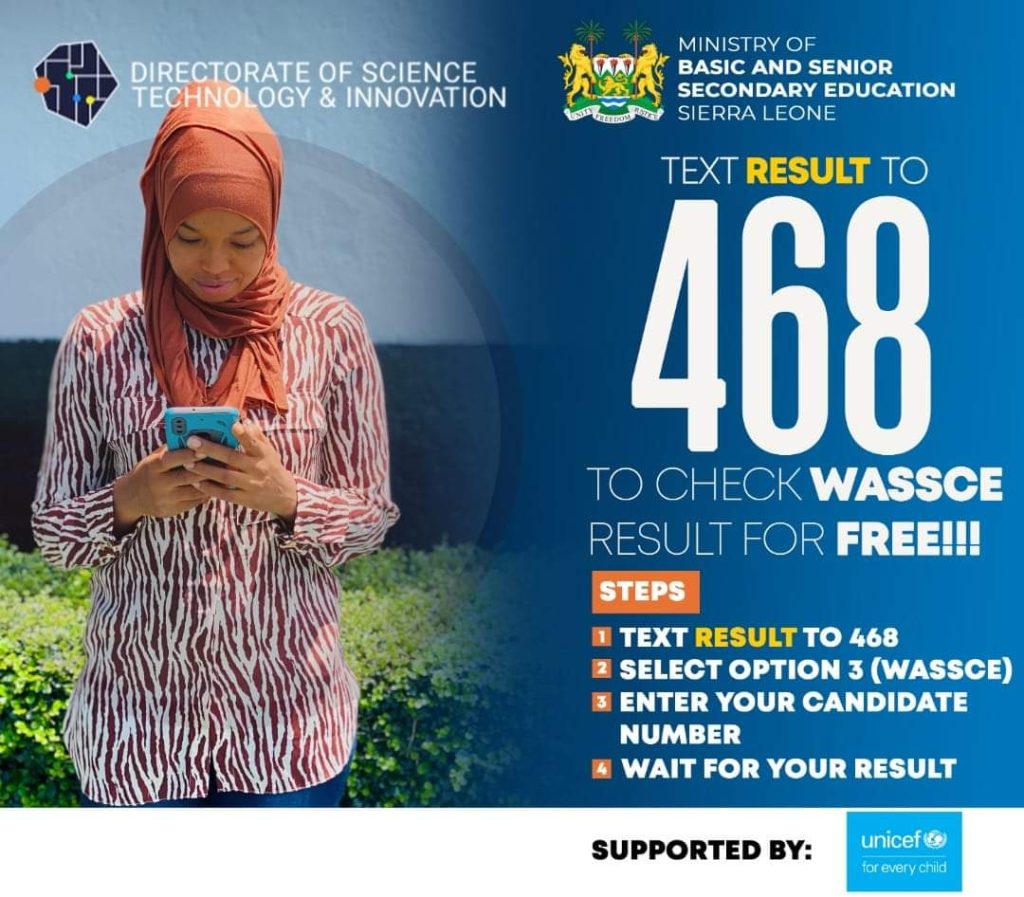
- ▪️To check your result via SMS, text RESULT to 468.
- ▪️Select option 3 for WASSCE.
- ▪️Enter your Candidate number and submit.
- ▪️Wait for your WASSCE result.
This service is available on Orange and Africell networks.




Wassce result checker
Wassce result
Result
I want checked my result
I tried this SMS vai but they said is not Valuable yet.On my Africell
I want to CHEK my result
Result
I want to check my result
How can I see my result
I want to see my results
I want to check my wassce result
i have used the procedure but they are telling me that results are not yet available. have you not yet publish the results?
6041683241